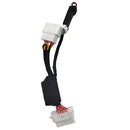
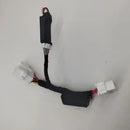
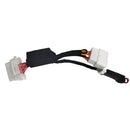

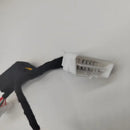
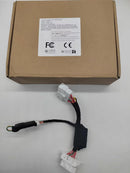
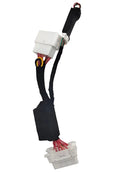
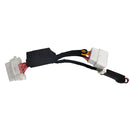
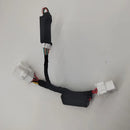





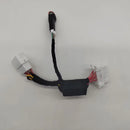
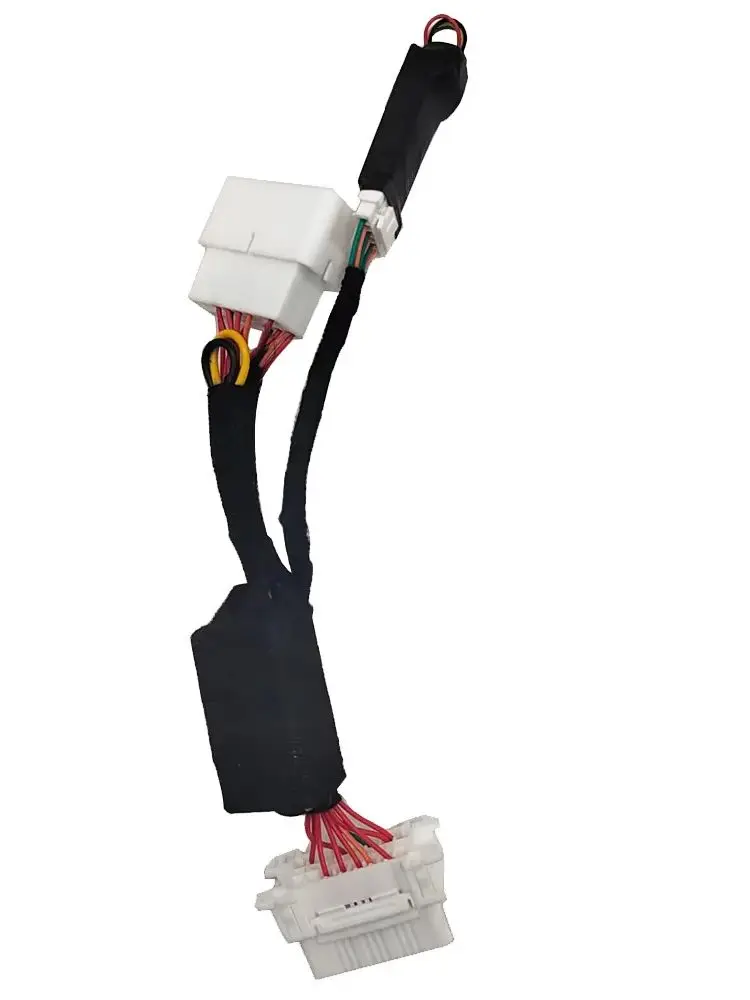
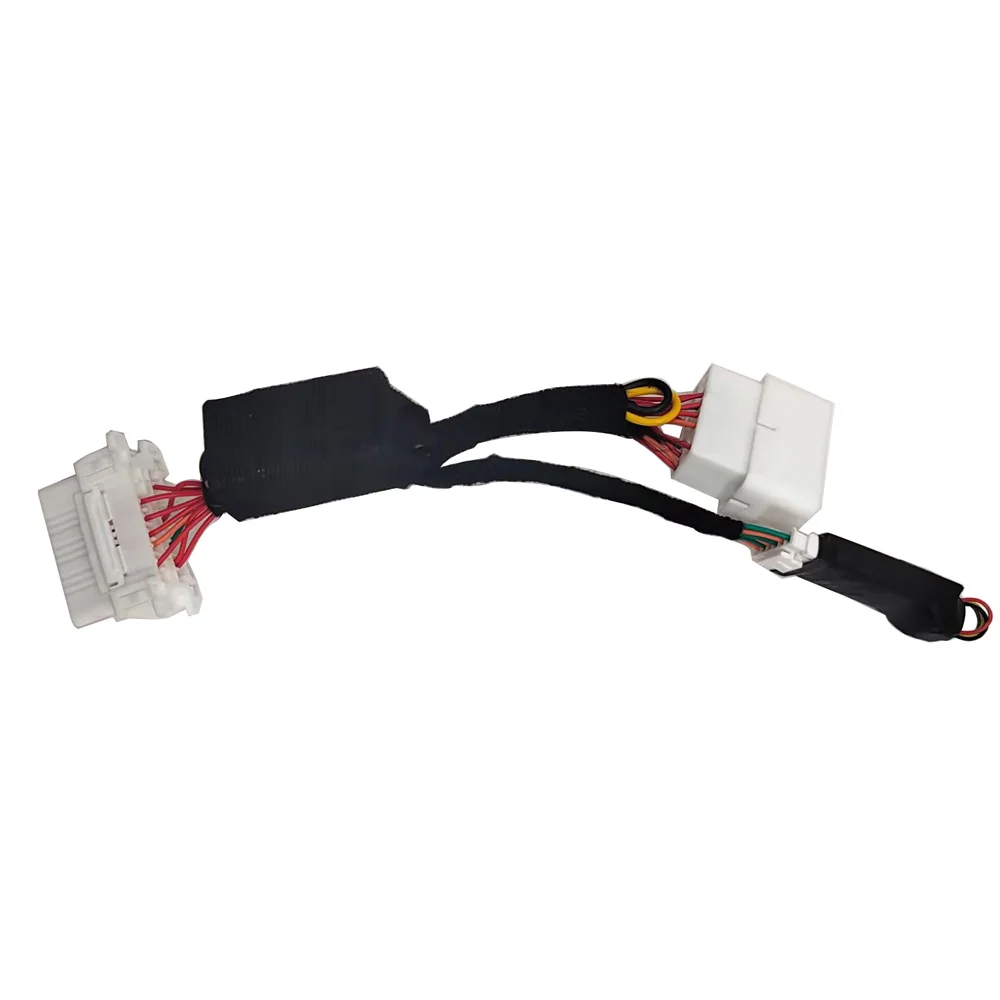
Reusable OBD VIN Simulator
SPECIFICATIONS
Brand Name: NoEnName_Null
Feature 1: Only supports modification of 17-digit vehicle frame numbers(VIN)
Feature 2: OBD simulator that can repeatedly modify the vehicle frame number (VIN)
Feature 3: You can only enter the vehicle diagnostic system to modify the frame number, other functions are not supported
Feature 4: Enter the diagnostic system through EOBD
Feature 5: We send the software link, the link only supports Android phones
High-concerned chemical: None
Origin: Mainland China
Reusable Frame Number Modification Module Car VIN Modification OBD Modifier
It is used for the maintenance and repair of the inconsistent frame number caused by the replacement of the engine computer in the accident car, the burning car, the falling water car, and the illegal use. The consequences are at your own risk.
Frame number repair
The frame number is inconsistent after replacing the computer board
Restore the original frame number
Does not affect the function of the original car
Feature:
1.Only supports modification of 17-digit vehicle frame numbers(VIN)
2.OBD simulator that can repeatedly modify the vehicle frame number (VIN)
3.You can only enter the vehicle diagnostic system to modify the frame number, other functions are not supported
4.Enter the diagnostic system through EOBD
5. It is best to use a vehicle diagnostic computer that supports the Android system (such as the launcher X431 with EOBD function) to modify VIN, as there may be compatibility issues between overseas phones and Chinese apps.
6.We send the software link, the link only supports Android phones
7.Non professionals are not recommended to purchase
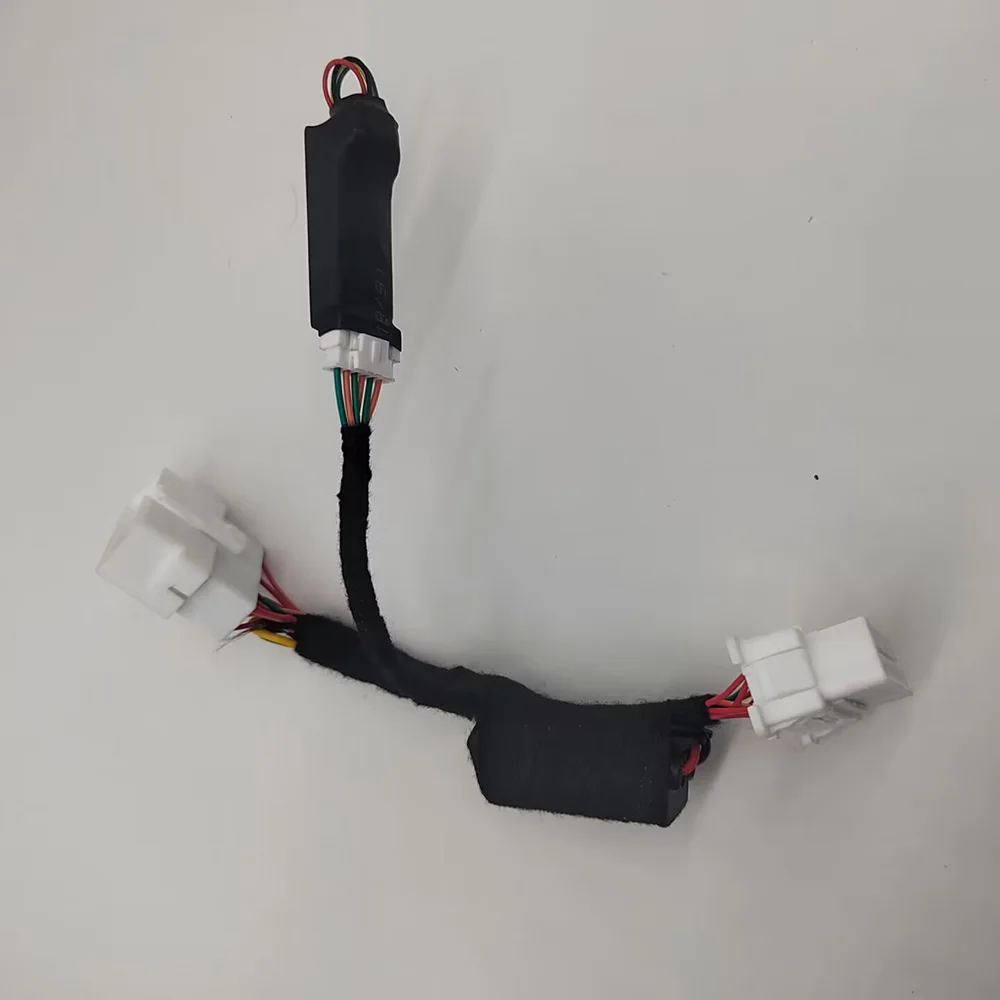
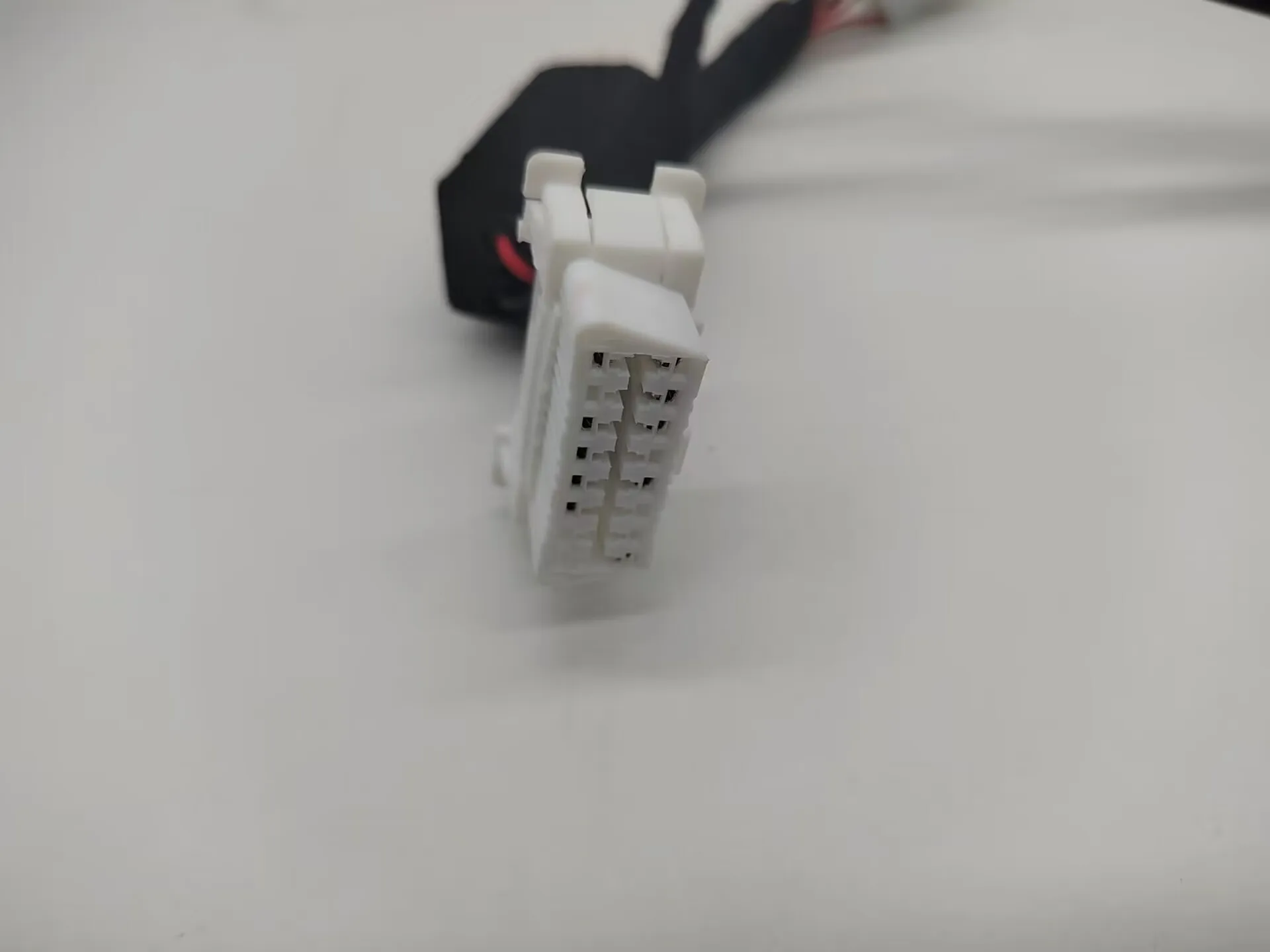
Instructions 1(Using Android app)
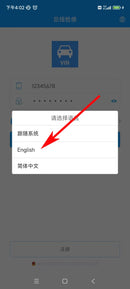
step1:Click the globe icon in the upper right corner to select a language
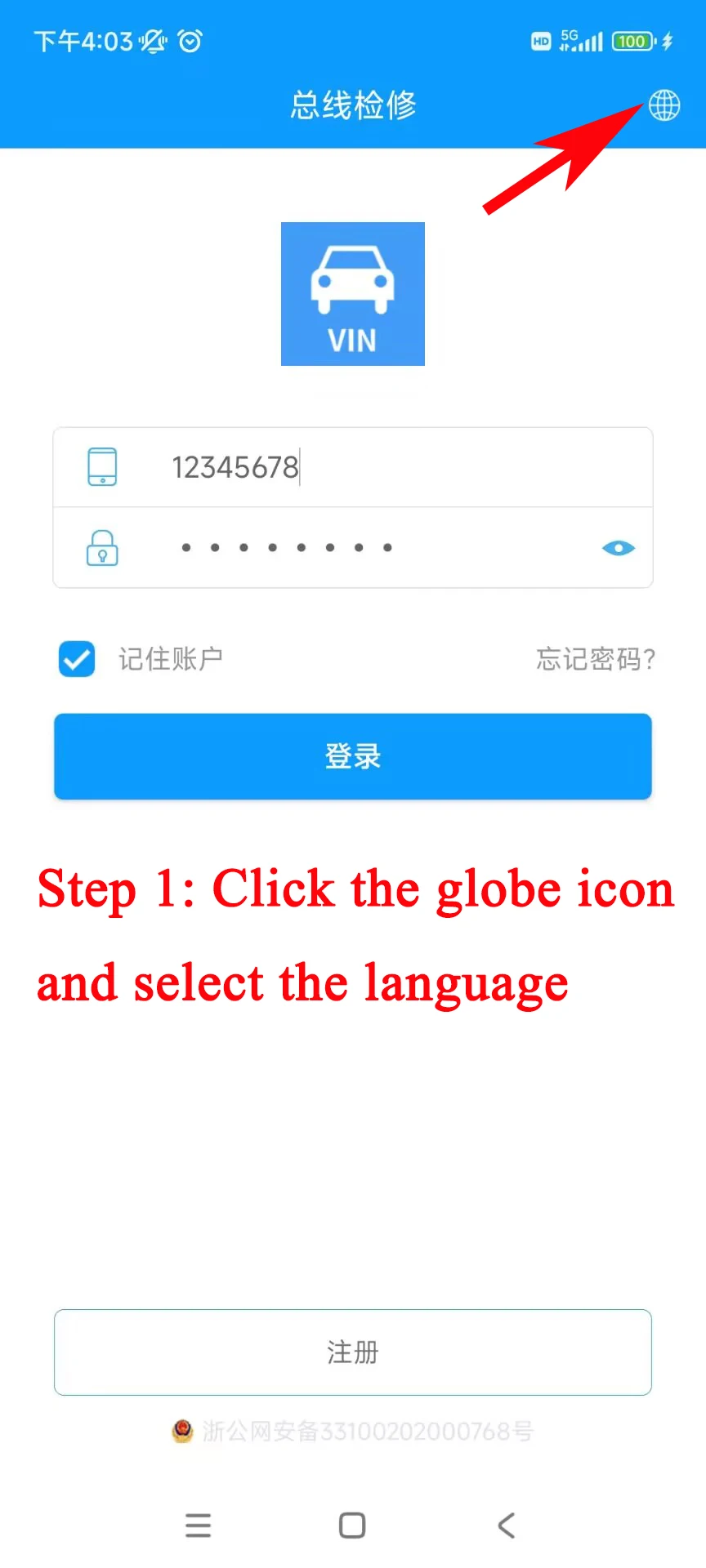 step
step
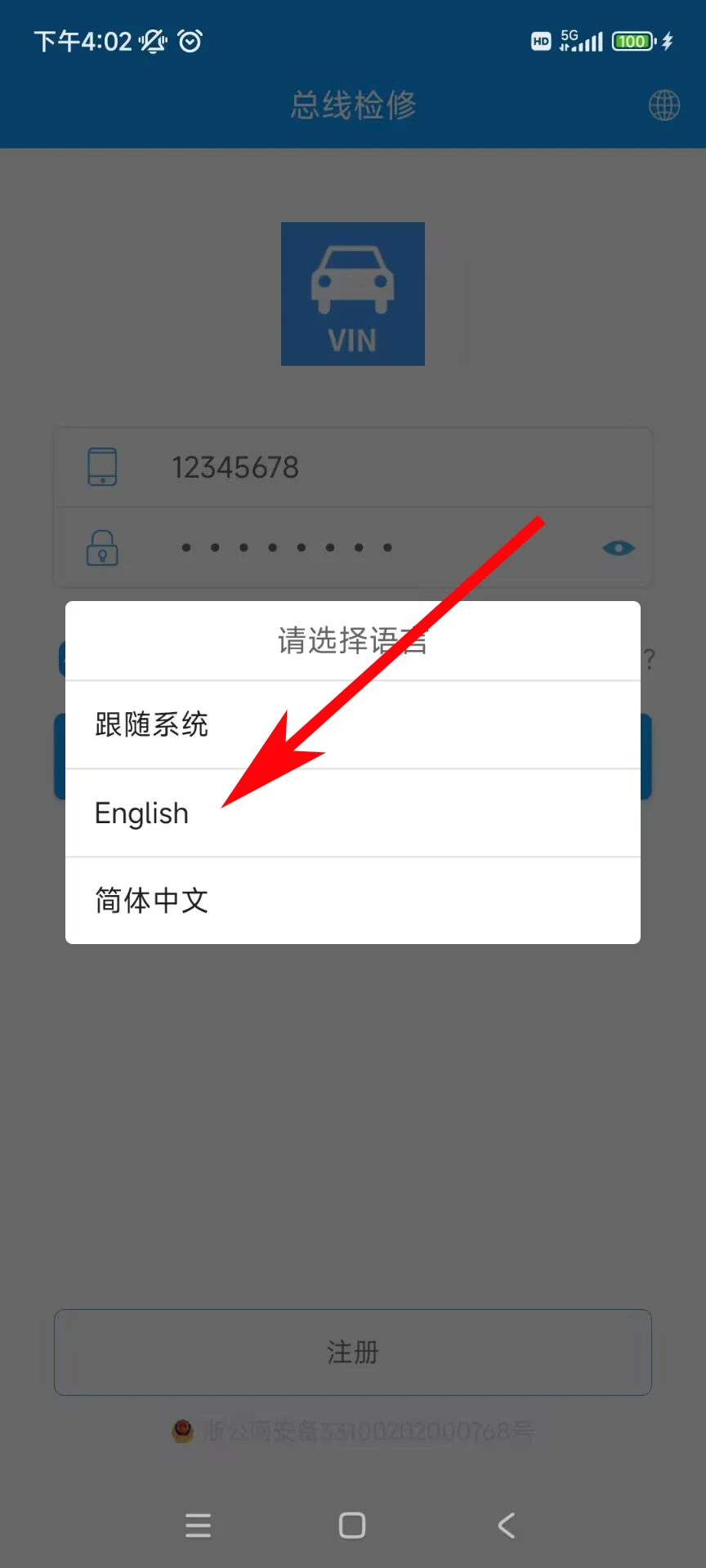
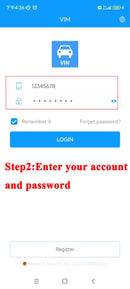
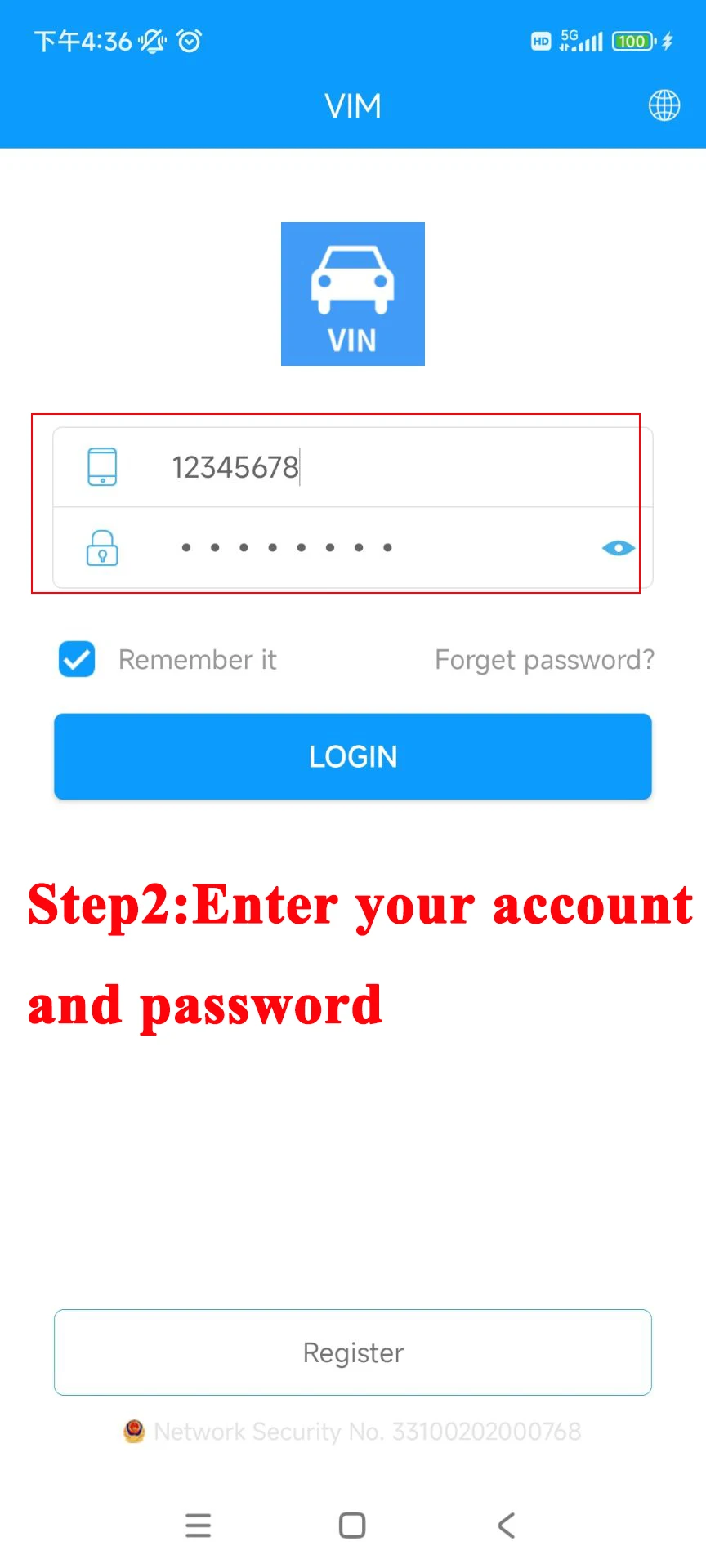
step2:Enter your account and password
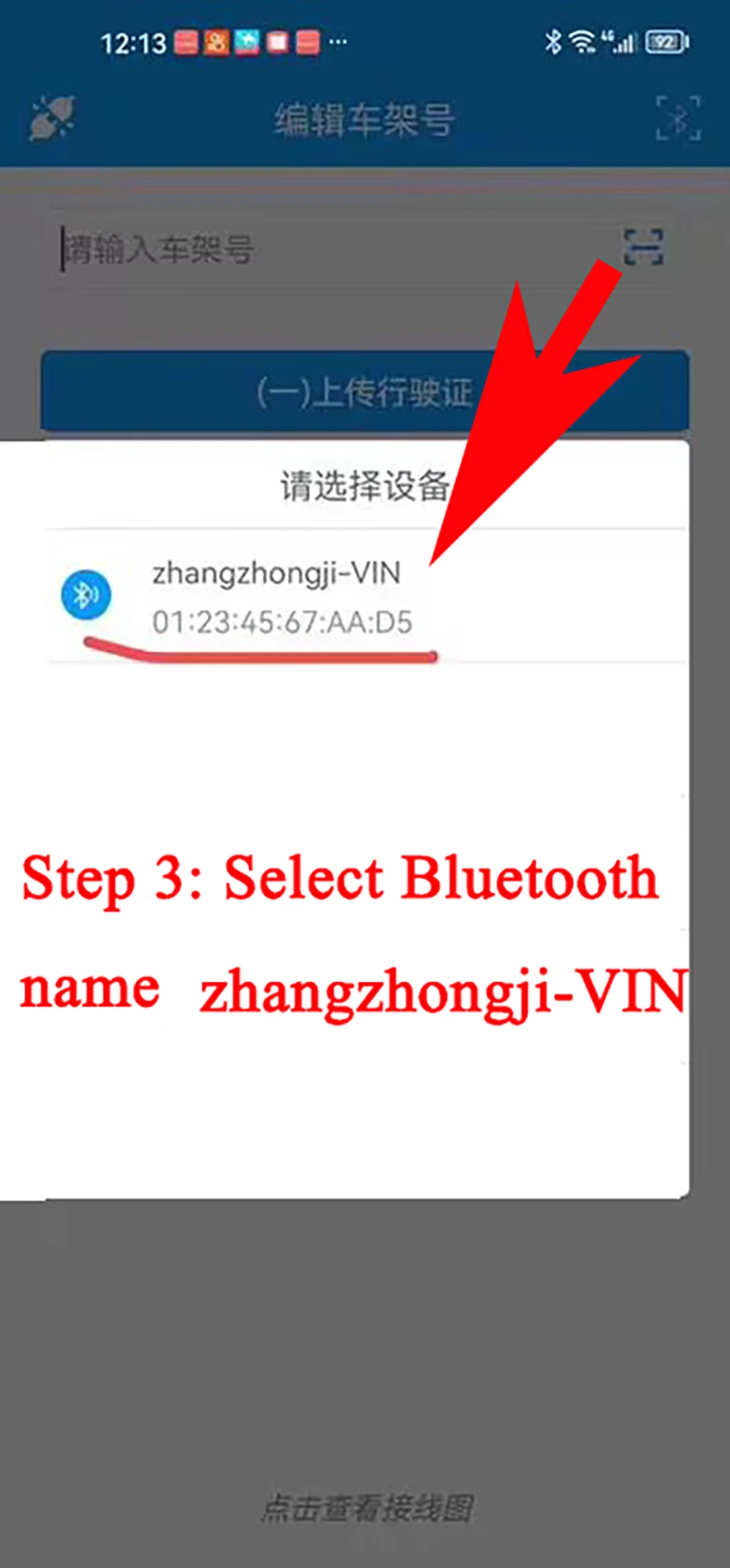
step3:Connect Bluetooth device: zhangzhongji-VIN
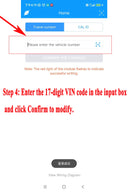
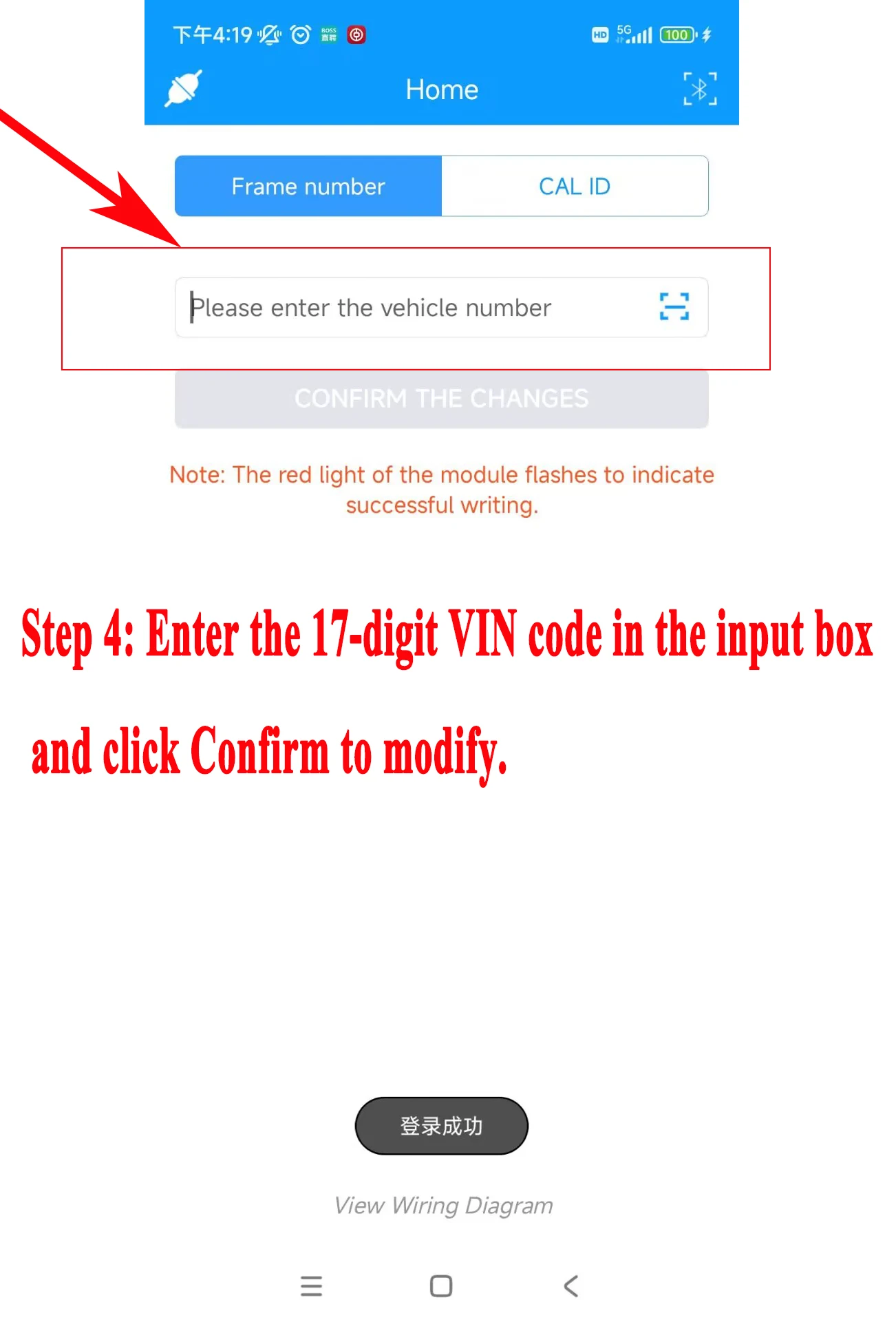
step4:Enter a custom 17-digit vin code and click Confirm to modify.
Instructions 2 (Using Android Diagnostic tools by EOBD)